
From spoken orders to invoices in Bukku
Re-entering orders creates extra work between sales, packing and accounts. A custom application captures order details, groups quantities for preparation and connects the reviewed records to Bukku.
An order taken over the phone can pass through several records before it is ready to fulfil. Someone writes down the customer and quantities, another person prepares a packing list, and accounts enters the details into an invoice.
Each handover creates another opportunity to omit an item or copy a quantity incorrectly. When several customers order the same products, staff also need a combined view of what to prepare.
We built a custom application for a client to connect order capture with their Bukku accounting workflow. It accepts spoken or manual entries, presents the recorded orders for review and groups the information for preparation and document creation. The commissioned project was designed around the client’s operating requirements.
Capture the order against the business catalogue
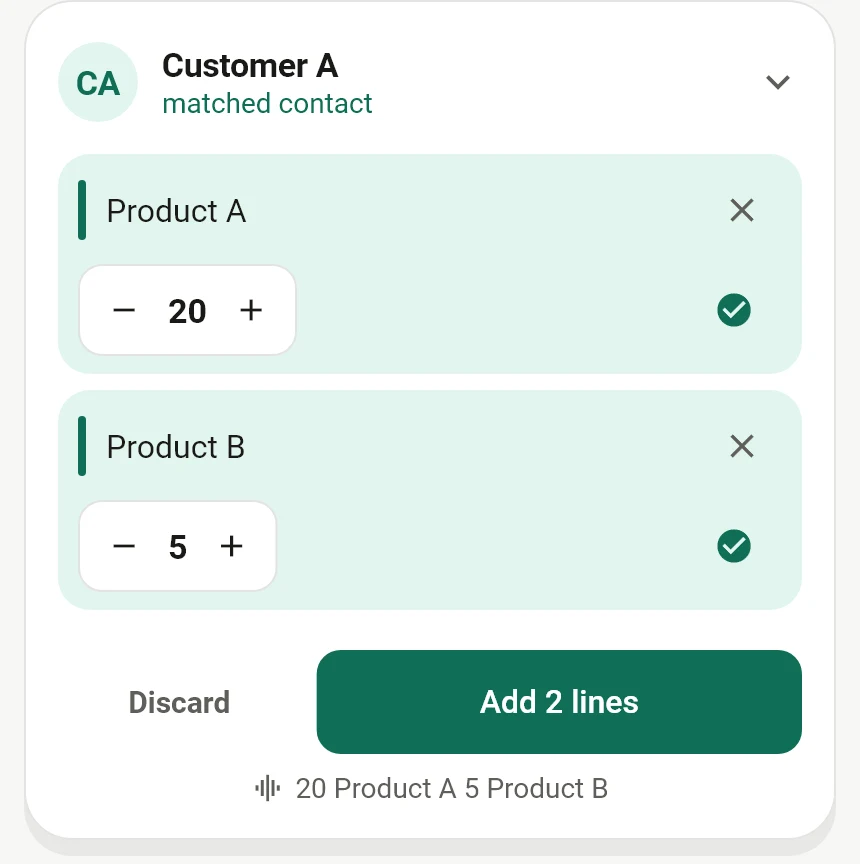
Staff record the contact, product and quantity. Spoken entries are matched against the application’s catalogue, and the user can review and correct the recognised details. Manual entry is available when typing or selecting an item is more appropriate.
The Bukku connection brings customers, suppliers and products into the application. This links the captured order to the business records needed for the accounting step.
Speech recognition still requires review, particularly where names or quantities are unclear. The application provides a way to organise the order; the person handling it remains responsible for checking the details.
Use the same entries for customer orders and packing
Consider a fictional set of orders using two sample products:
| Customer | Order |
|---|---|
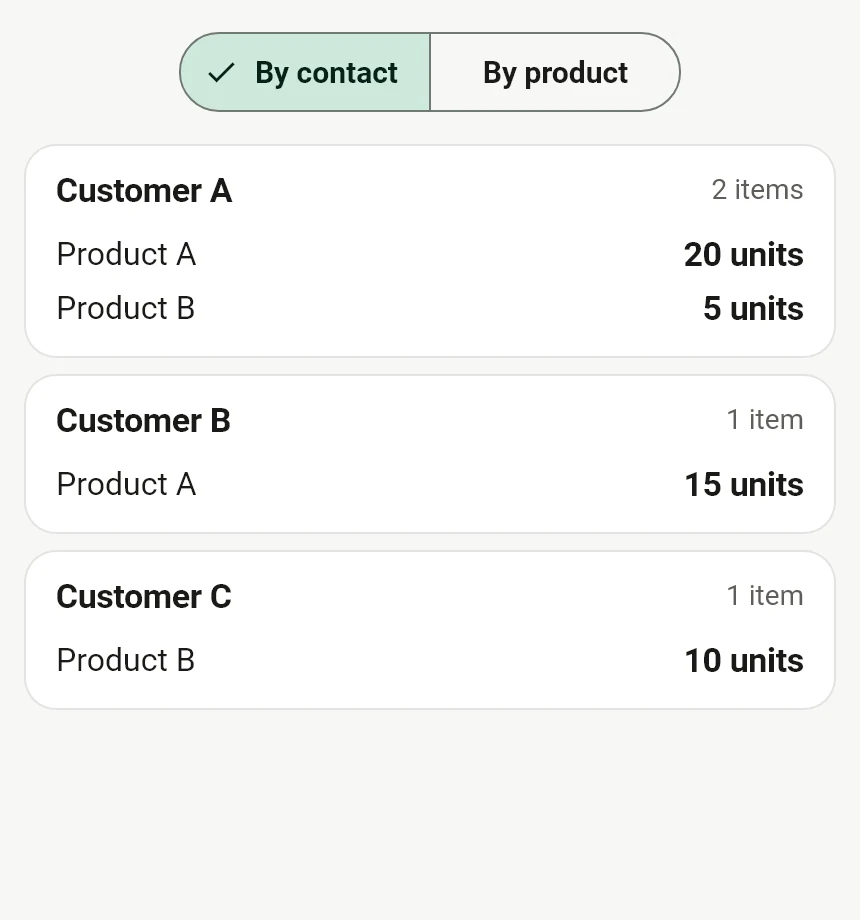
| Customer A | 20 units of Product A and 5 units of Product B |
| Customer B | 15 units of Product A |
| Customer C | 10 units of Product B |
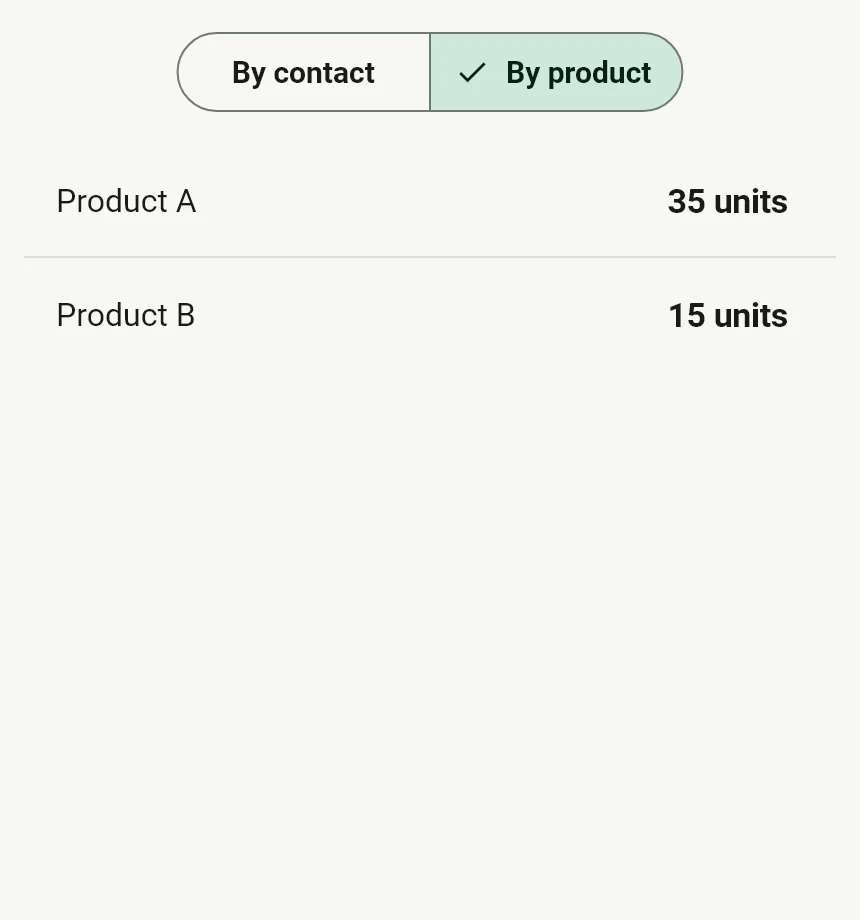
The customer view keeps each order separate. The product view shows 35 units of Product A and 15 units of Product B to prepare across the batch. Both views use the recorded order lines, so staff do not need to construct a second list from the individual orders.
Share a report for preparation and review
The application can export both views into one PDF for sharing or printing. It lists each customer’s order and the combined product quantities, giving the people preparing the goods a report they can use outside the application.
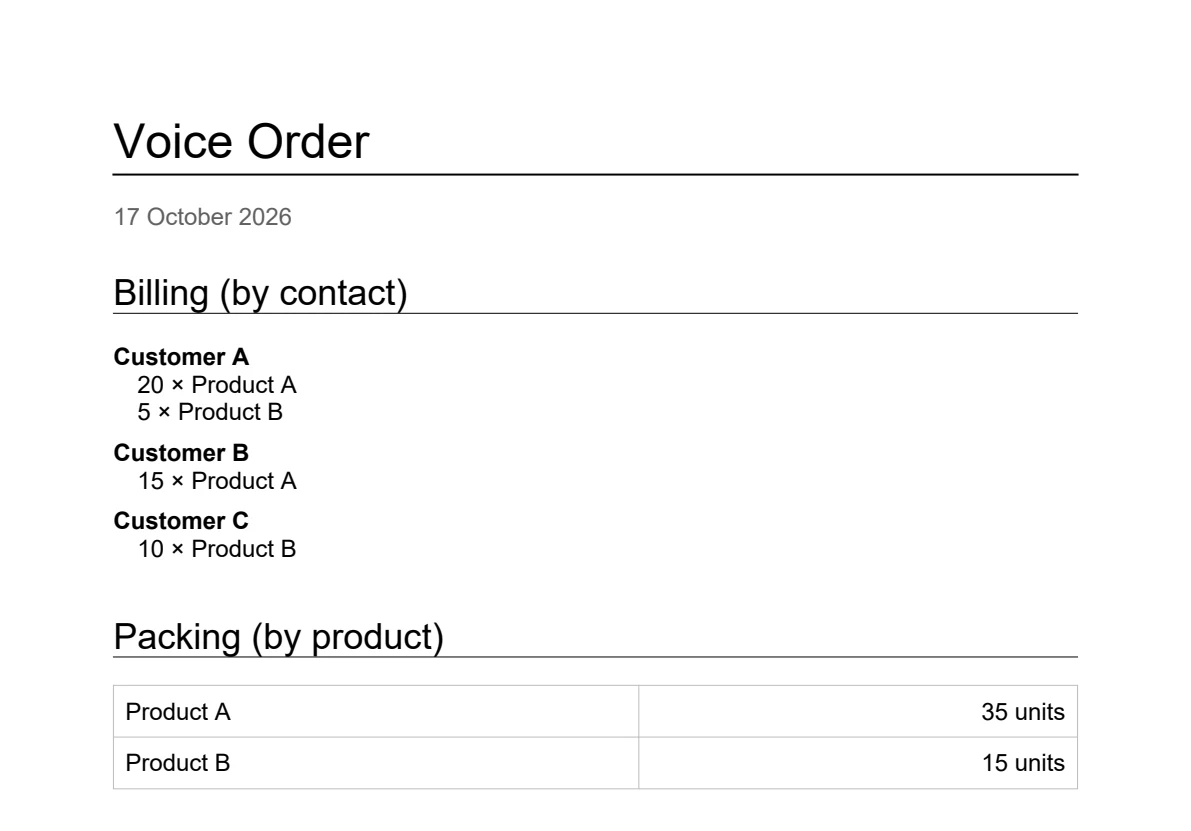
This is a quantity report for the order workflow. Sales invoices and purchase bills are created separately in Bukku. Generate a fresh report when orders change so the team works from the latest quantities.
Create the appropriate record in Bukku
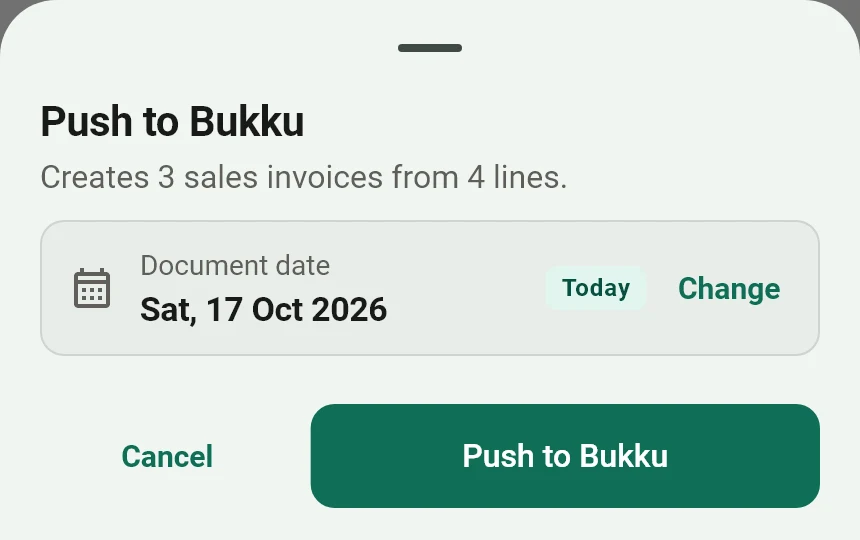
Before sending a batch, the user reviews the document date and the proposed customer or supplier documents. The connection supports sales invoices for customer orders and purchase bills for supplier entries.
Document creation requires linked contacts and products, a configured Bukku connection and network access. The application reports the submission result and identifies skipped entries that need attention. Staff should check that the intended documents were created and review their accounting details in Bukku.
This connects an operational entry to the accounting record without requiring staff to type the same product quantities again.
Adapt the workflow to other businesses
The same approach could support other businesses that collect orders away from the accounting screen:
- Wholesalers: capture repeat product orders and prepare a combined picking list. Pack sizes, units and customer pricing would need to match the wholesaler’s catalogue.
- Food preparation businesses: group customer orders into preparation quantities. Cut-off times, product options and fulfilment dates would need their own rules.
- Purchasing teams: capture supplier quantities for review before creating purchase records. Approval requirements and purchasing controls would need to be added for that business.
These are possible adaptations, rather than completed deployments. The starting point is the information staff already collect, who checks it and which system needs the approved record.